Coach-led
Managed by the coaching staff, with easy handoff to trusted volunteer(s) when needed.
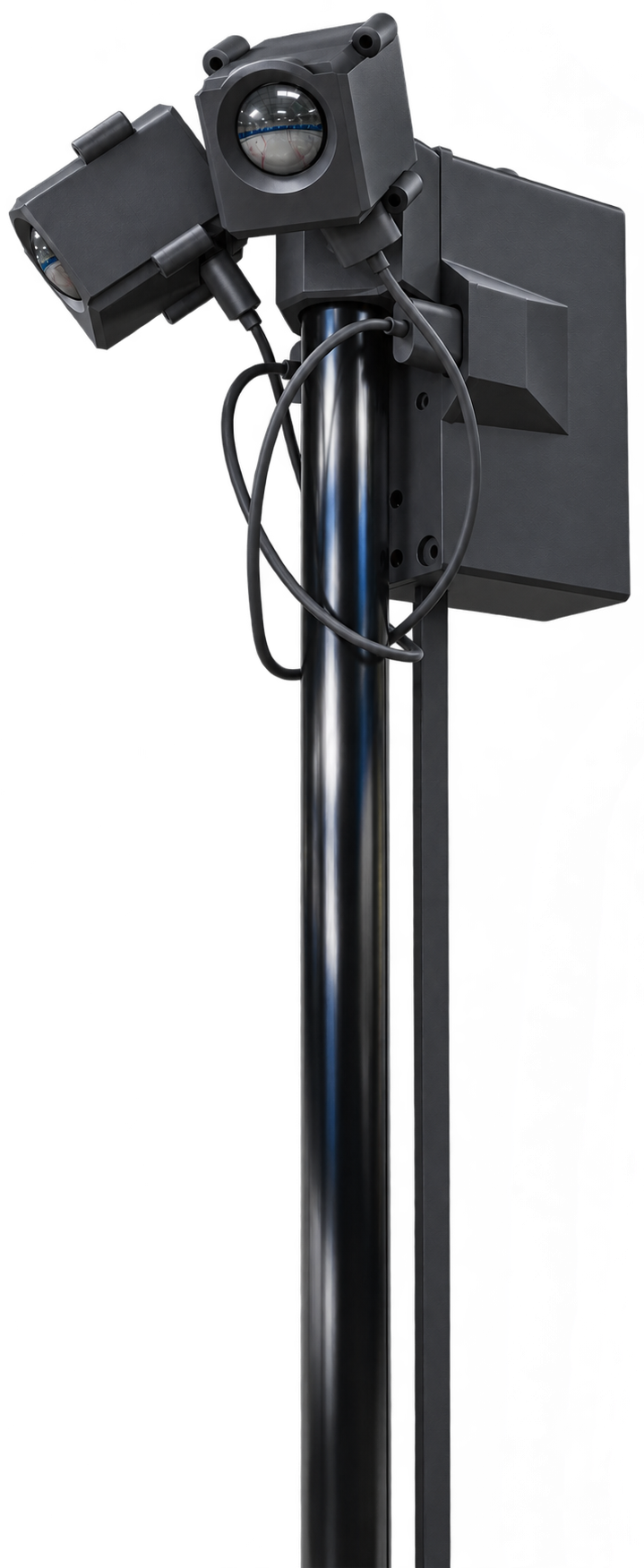
Record every game with lightweight, easy-to-setup hardware.
Review within minutes - designed for coaches, not technicians.
Express interest for 2026/27Managed by the coaching staff, with easy handoff to trusted volunteer(s) when needed.
Setup is quick, predictable and routine.
Works anywhere, in any rink, without the need for internet access.
Clear video that supports coaching, teaching, and player growth.
Seasonal rental with renewal discounts - no capital purchase required.
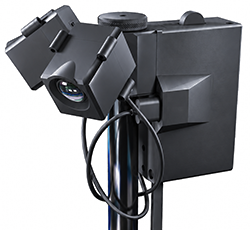
Mount the tripod, power on the unit, and connect to GameCam’s Wi-Fi from your device. Confirm framing and you’re ready.
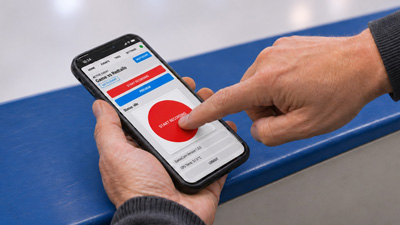
Start recording from the web app. The dual-camera system captures the full rink without adjustment during play.
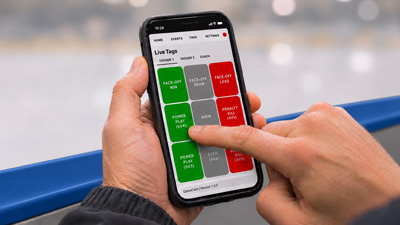
During the game - optionally - set live tags with the app to mark important moments as they happen.
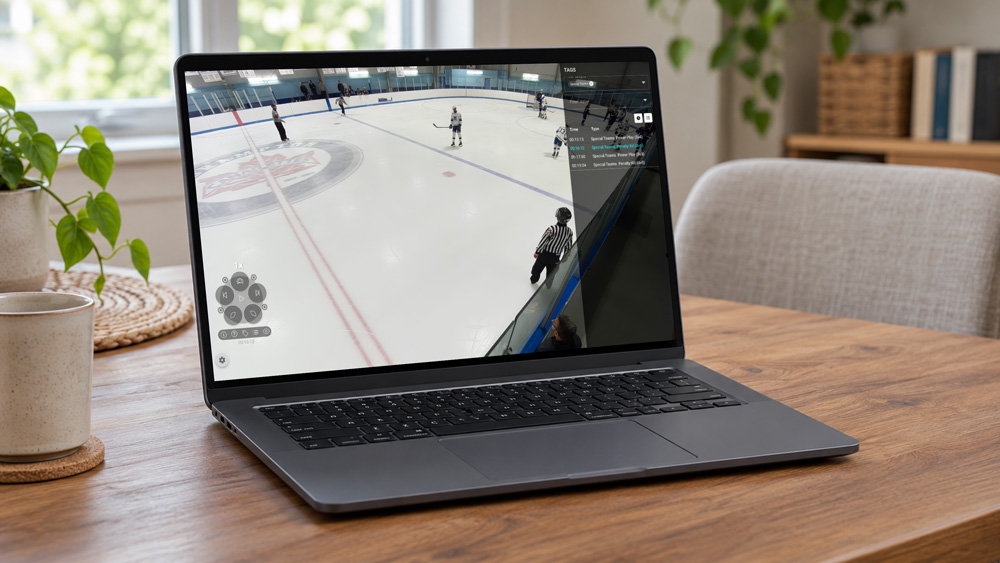
Review footage directly off of GameCam at the rink, or later by downloading to a computer - without the need to upload anything.
No asset ownership, no subscriptions, no long-term obligations, discounted renewals.
A complete dual-camera capture kit for full-season recording.
$1,500/Season 1
*Under development, not currently available.
GameCam offers a flexible approach for clubs and associations looking to equip multiple teams.
“GameCam provided reliable game video I could use to point out key moments with the team.”
“We always had game footage without having to rely on the rink.”
Here's what most coaches / operators ask when they're first considering GameCam.
Setup takes 10-15 minutes - perhaps a bit longer while getting familiar with the kit. After a few sessions, most users can confidently complete setup in about 10 minutes. We strongly recommend practicing setup and teardown a number of times before your first game so you're comfortable with the process.
GameCam creates its own private Wi-Fi network, which your mobile device connects to through a web-based app. This lets you setup the event / session and start recording without needing any external internet connection.
After recording, you can load the session and live tags on your mobile device to navigate directly to key moments for quick review with players, coaches, or staff. Once your post-game review is complete, simply power down and pack up the kit. When you return to a desktop or laptop, you can download the full session video for deeper offline review and analysis.
GameCam is designed and tested for reliability. Potential issues are normally apparent at power-up, and built-in troubleshooting steps can help resolve most problems. Once you get to the point where you are good to begin recording, only two issues can interrupt the session: the device loses power, or the device runs out of media storage. Both of these issues are avoidable by planning - ensure your portable battery is fully charged, and verify there is adequate internal storage (accessible via the Settings view).
GameCam footage is fully under your control and ownership. There are no user limits - coaches, managers, or anyone you choose can access the device and the recorded sessions. Footage can be distributed by downloading to connected storage (such as a flash drive), or allowing someone to access the kit directly and download to their own computer. Access to your footage is entirely up to you.
Basic support is available throughout the season. We are sorry, but we cannot offer real-time or 24/7 support. You will receive access to setup guides, instructions, troubleshooting documentation, and how-to videos to help resolve common issues quickly.
We understand how minor sports teams operate, and GameCam's seasonal rental model respects the fact that teams are temporary and cannot hold long-term assets. A seasonal rental covers your team for the full playing season. At the end of the season, you can either renew for the following season or return everything. If you choose to renew, the hardware remains with the same coach or staff, who acts as its custodian during the off-season. This avoids unnecessary shipping back and forth and ensures GameCam is ready to go when the new season starts to ramp up. If you choose not to renew, GameCam is simply returned at the end of the season.
GameCam is available in limited quantities. Expressing interest helps us plan production and delivery.